- All Leaks 26
- Apex Legends 3
- Warzone / CoD 5
- Rainbow Six Siege 2
- Fortnite 1
- Rust Console & PC 9
UNLEASH YOUR POWER.
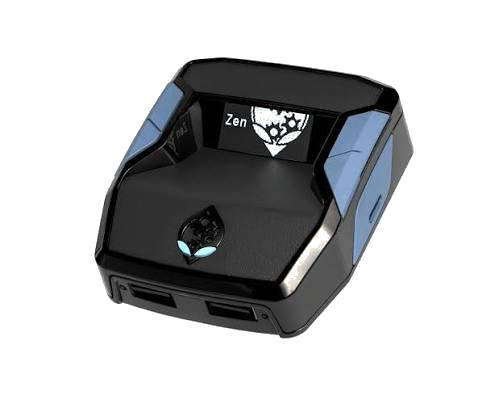
THE ADVANCED ADAPTER & SCRIPT HUB.
Get precision control and game-breaking mods for all your favorite titles. The ultimate competitive edge is here.
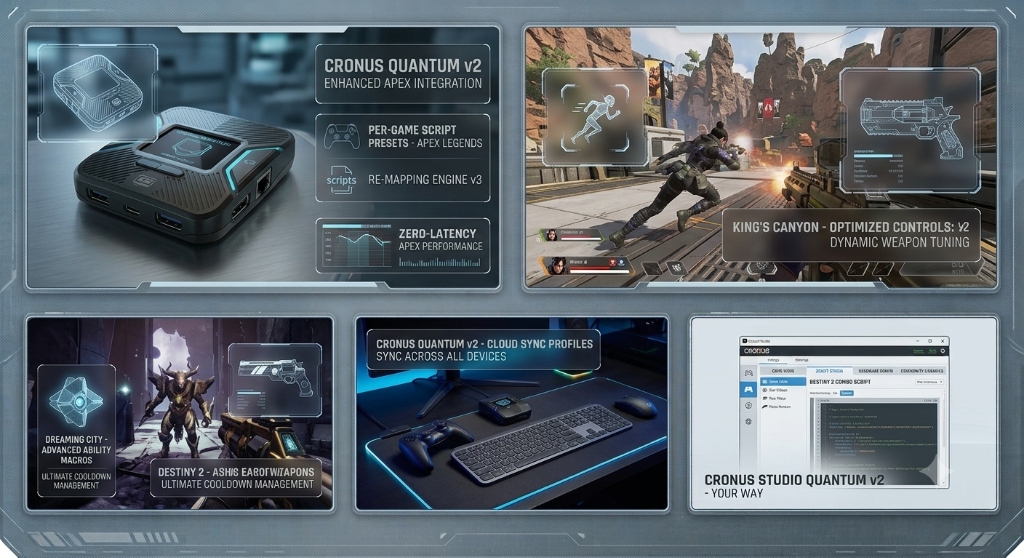
Cronus Quantum v2 — Enhanced Game Integration & Re-Mapping v3
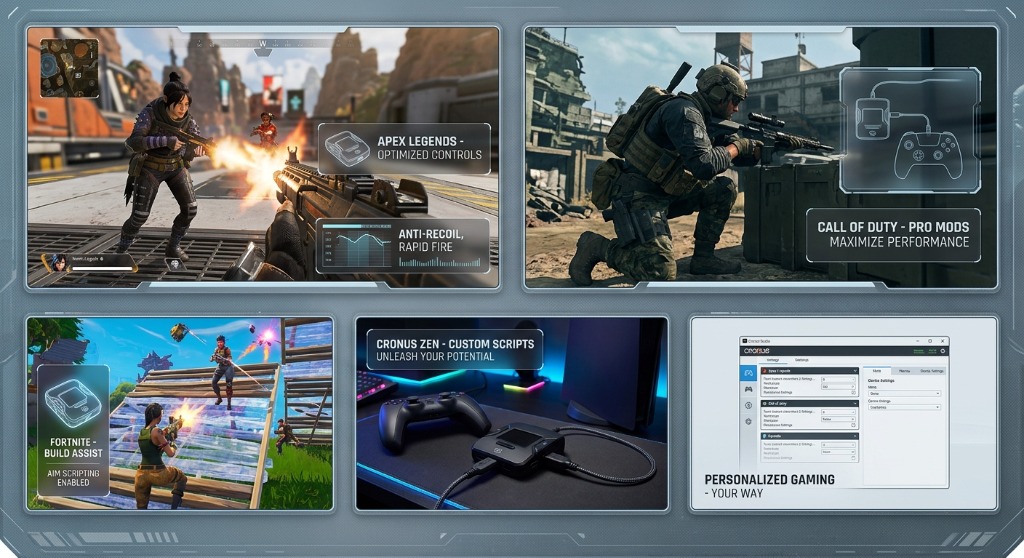
Cronus Hardware & Game Modding Matrix 2026
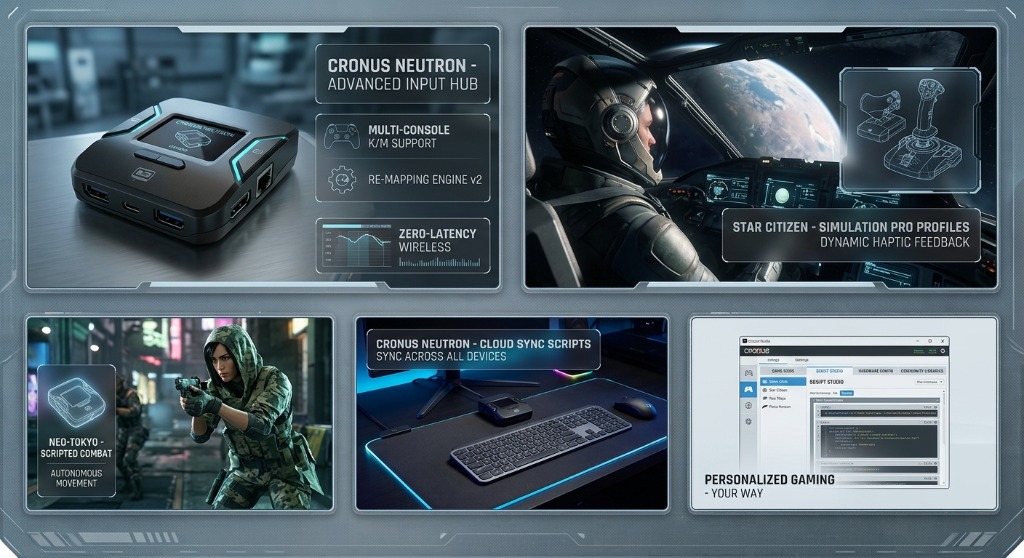
Apex S29 Predator GPC 5.2
Supreme Season 29 Predator build featuring 1000Hz hardware polling, Zero Jitter Anti-Recoil, and instant OLED Weapon Detection.

Verified input delay hardware loop benchmarking for Cronus Zen & Titan 2.
Ready to Browse & Download GPC Leaks?
Explore all 26 verified GPC scripts for Rust, Apex Legends, Warzone, R6 & Fortnite.
 GPC 5.2
 GPC 5.2
 GPC 5.2
GPC 5.2
GPC 5.2
GPC 5.2
GPC 5.2
 GPC 5.2
 GPC 5.2
GPC 5.2
GPC 5.2
 GPC 5.2
 GPC 5.2
 GPC 5.2
GPC 5.2
GPC 5.2
GPC 5.2
GPC 5.2
GPC 5.2
GPC 5.2
GPC 5.2
GPC 5.2
GPC 5.2
GPC 5.2
GPC 5.2
GPC 5.2
Upload & Compile Zen GPC Script
Our automated GPC Compiler checks your script for syntax errors & missing main blocks before publishing.
My Released Resources
Zen Studio Desktop App
Official Windows SoftwareDownload official Zen Studio v1.5.0 build to program memory slots 1-8, program GPC scripts, and tune GPC variables.
Download Zen StudioZen Studio Live (Web)
Browser GPC CompilerAccess the Web USB live compiler to test and flash GPC code directly from Chrome without installing software.
Open Zen Studio LiveCM Firmware Flasher
Recovery & Downgrade ToolOfficial Collective Minds Firmware Update Tool to downgrade Cronus Zen firmware to legacy versions (e.g. v2.0.11).
CM Firmware FlasherWhy Some Heavy GPC Scripts Require Older Firmware (v2.0.11 / v2.1.0-beta)
Certain high-performance GPC scripts (such as Pedro's Nightmare 4.0, Bunnies V6, Apex S29 Predator, and heavy 600KB+ bytecode leaks) utilize custom memory calls and 1000Hz polling loops that require specific legacy firmware versions. If Zen Studio displays a bytecode overflow or device error on newer firmware, follow the steps below to downgrade your Cronus Zen in 2 minutes.
Hold P2 Button
Unplug Cronus Zen. Press and hold the small reset button (P2) on the bottom of the device.
Plug Rear USB
While holding P2, plug the rear CONSOLE USB cable into your PC until the OLED screen displays Collective Minds / Recovery Mode.
Select Version
Open CM Firmware Update Tool, check "Show Beta & Legacy Firmwares", select v2.0.11 or v2.1.0-beta, and click Flash.
Troubleshoot: How To Fix Missing "Zen Studio Legacy" Option
Open Windows Settings → Apps → Installed Apps → Search "Zen Studio" and click Fully Uninstall.
Close Zen Studio Live on all browsers. Download and install Zen Studio Build 1.6.1 from the official site.
Open Zen Studio Live, update firmware to 2.3.1, then put Zen in Bootloader (P2) and flash firmware to 2.2.1.4.
Close Zen Studio Live browser. Open Desktop Zen Studio program — Zen Studio Legacy option will now be fully working!
PS5 Bypass Guide (Firmware v2.2.12 Anti-Cheat Protection Bypass)
- Ensure Zen is connected and showing the Zen Logo Screen on OLED.
- In PS5 Console Settings, hover over "Turn Off Accessories".
- Press and hold the Touchpad for at least 1 second.
- Hold both L3 + R3 (joysticks pushed in) until the Zen LED flashes.
Method A (Quick): Bypass a standard non-Edge controller first using the steps on the left, then plug your Edge controller into the front Zen USB port.
Method B (Direct Edge): With Zen NOT connected, set Bluetooth Active & Communication to USB Cable. Plug Edge into Zen (Zen still unplugged). Go to Turn Off Controller, plug Zen into PS5, SPAM X button until grayed out, then SPAM PS Button until PS5 menu pops up!
Xbox Series X|S & PC 1000Hz Hardware Tuning Guide
- Connect Xbox Controller to Left Front USB port on Cronus Zen.
- In Zen Studio, set Operational Mode to
AUTOMATIC / XBOX ONE. - Set In-Game Deadzone to
0.03for instant zero-lag response. - Enable 1000Hz In-Game Speedup in Device Settings.
- Disable "Steam Input" under Game Properties in Steam for zero input latency.
- Connect Zen to PC via Rear USB + Controller in Left Front USB.
- Select Xbox 360 / DS4 Passthrough in Zen Studio Device tab.
- Lock GPC Loop Execution Speed to
1ms (1000Hz).